How to Use Dimension Corrections Safely in Business Central
Dimensions are one of the most powerful design features in Microsoft Dynamics 365 Business Central. They allow organisations to analyse financial activity by department, project, location, entity, cost centre, funding stream, or almost any other reporting lens.
They are also one of the easiest areas to get wrong.
A posted purchase invoice might have the wrong department. A journal might be posted against the wrong project. A location, entity, or program code might be missing from a batch of entries. Historically, these issues often required reversals, reposting, or reporting workarounds.
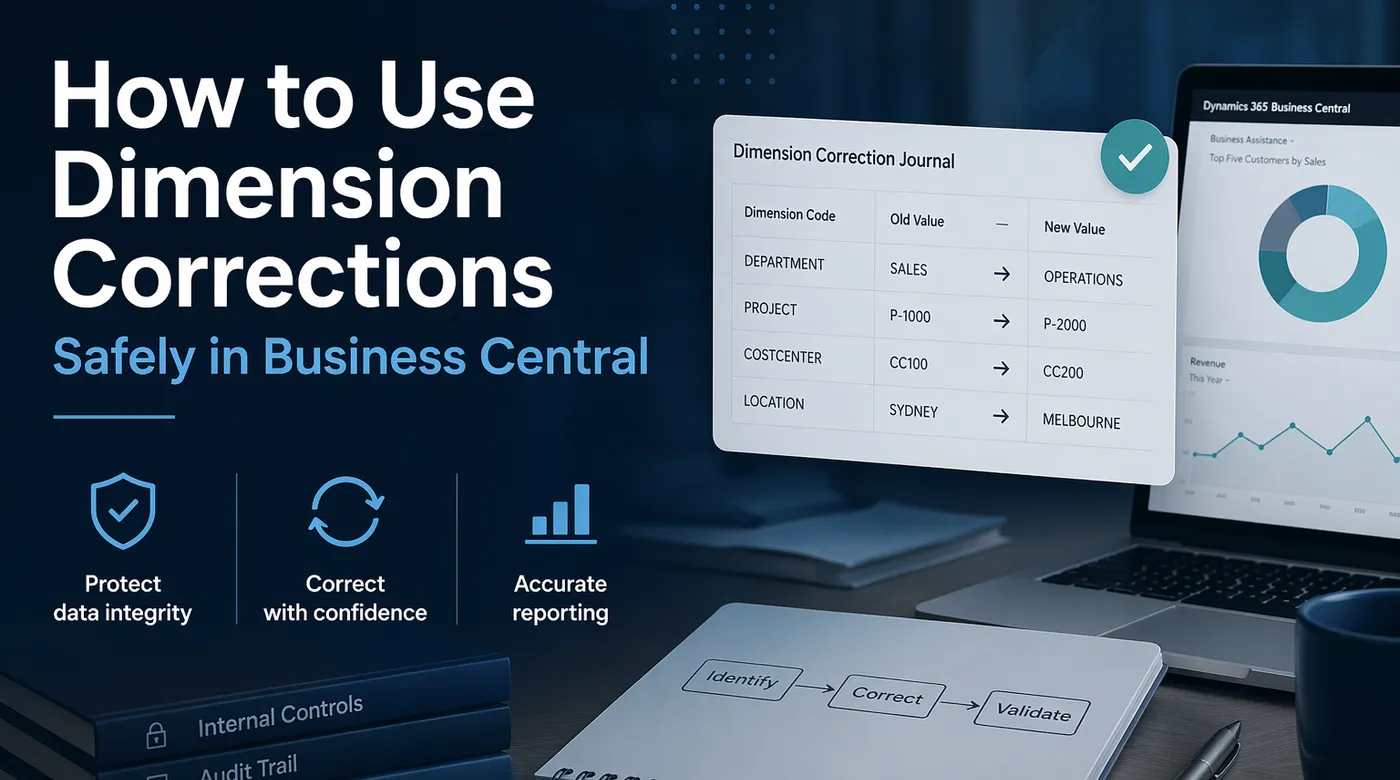
Business Central’s Dimension Correction functionality gives finance teams another option. It allows users to correct dimension values on posted General Ledger Entries, helping financial reports and analysis views reflect the intended classification of transactions. Microsoft describes this feature as a way to correct dimensions on G/L entries so financial reporting reflects the correct analytical view. See Microsoft’s guidance on correcting dimensions.
Dimension Corrections are useful, but they should not be treated as a substitute for good posting discipline, strong default dimensions, or proper approval controls.
The most important rule: Dimension Corrections only update G/L entries
This is the point every consultant, finance manager, and super user needs to understand.
Dimension Corrections apply only to General Ledger Entries. They do not update the dimensions assigned to related subledger entries for the same transaction. That means the dimensions on your G/L entries may no longer match the dimensions on entries in areas such as:
- Vendor Ledger Entries
- Customer Ledger Entries
- Item Ledger Entries
- Fixed Asset Ledger Entries
- Project or job-related entries
- Posted source documents
Microsoft explicitly notes that after a correction, the dimensions in the general ledger do not match the subledgers. This does not mean Dimension Corrections are bad. It means they need to be used for the right purpose.
They are best used when the business objective is to correct financial reporting classification in the general ledger. They are not the right tool when you need to correct the operational history of a transaction across all ledgers.
When Dimension Corrections are appropriate
Dimension Corrections are usually appropriate when:
- The financial amount is correct.
- The posting date is correct.
- The G/L accounts are correct.
- The issue is limited to reporting classification.
- The correction is needed for financial statements, management reporting, analysis views, or Power BI reporting based on G/L data.
- The business accepts that related subledger dimensions will not be changed.
A good example is a batch of expense invoices posted to the correct expense accounts but with the wrong department dimension. If the primary reporting need is to restate departmental expenditure in the G/L, Dimension Correction may be appropriate.
Another example is a project or cost centre code omitted from a general journal where the financial posting itself is otherwise valid.
When Dimension Corrections are risky
Dimension Corrections become risky when the dimension is used for more than financial reporting.
Be careful when dimensions drive:
- Operational reporting from subledgers
- Approval routing
- Intercompany or multi-entity controls
- Project costing
- Cost accounting
- Inventory analysis
- Fixed asset analysis
- External integrations
- Power BI models that combine G/L and subledger data
For example, correcting a project dimension on the G/L Entry does not necessarily correct project ledger history. Correcting an entity dimension on the G/L may not correct the source operational transaction. Correcting a department on a purchase invoice G/L entry may not align the vendor ledger entry or posted purchase document history.
If your reports combine G/L and subledger data, Dimension Corrections can create reconciliation questions unless the design is understood and documented.
Set up controls before allowing corrections
Dimension Corrections should not be available to every finance user.
Business Central includes specific permission handling for Dimension Corrections. Microsoft notes that users require the D365 DIM CORRECTION permission to create, run, and undo dimension corrections. The Dimension Correction Settings page can also be used to block dimensions from being changed.
At minimum, I recommend:
- Limit Dimension Correction access to senior finance users or system administrators.
- Block dimensions that should never be changed after posting.
- Define an approval or review process before corrections are run.
- Require a clear description for every correction.
- Review the effect on reports before and after the correction.
- Avoid using Dimension Corrections as a routine month-end cleanup habit.
Some dimensions should be considered structurally sensitive. For example, Entity, Company, Fund, Grant, Project, or Location dimensions may have broader implications than a simple management reporting dimension.
A safe process for using Dimension Corrections
A practical process should look like this.
1. Confirm the problem
Before correcting anything, confirm the actual issue.
Check:
- Which entries are affected.
- Which dimension is wrong or missing.
- Whether the G/L account is correct.
- Whether the source document or journal was posted correctly.
- Whether the issue affects G/L reporting only or also subledger reporting.
This step matters because Dimension Correction is not always the right answer. Sometimes the correct fix is reversal and reposting.
2. Decide whether correction or reposting is safer
Use Dimension Correction when the transaction is financially correct and only the G/L reporting classification needs to change.
Use reversal and reposting when:
- The amount is wrong.
- The account is wrong.
- The transaction should not have existed.
- The subledger needs to reflect the corrected classification.
- The audit trail requires a visible financial reversal.
- The dimension impacts operational processes outside the G/L.
This decision is less about whether Business Central can make the correction and more about whether the correction represents the true accounting and operational outcome.
3. Select entries carefully
Business Central allows users to select entries manually, from G/L Registers, by filters, or by dimension filters. Microsoft notes that when the selected entries are changed, the values on the correction changes are reset, so entries should be selected before specifying the dimension changes.
This is a small detail, but it matters. Select the population first, then define the correction.
For larger corrections, avoid broad filters such as an entire posting date range unless you have validated the result set. It is safer to filter by a combination of:
- G/L Account No.
- Posting Date
- Document No.
- Source Code
- Existing Dimension Value
- Missing Dimension Value
- G/L Register No.
4. Validate before running
Business Central allows the correction to be validated before it is run. Validation checks restrictions such as value posting rules, dimension restrictions, and blocked dimension values. If errors are found, users can investigate them using the View Errors action.
Do not skip this step.
Validation is your first line of defence against turning a small reporting issue into a larger correction problem.
5. Be cautious with large data sets
Dimension Corrections can affect performance. Microsoft recommends caution with large sets of entries, including sets of more than 10,000 entries. For large corrections, use filters to run corrections on smaller sets where possible and schedule them outside normal business hours.
My practical rule is this: if the correction affects thousands of entries, treat it like a mini data migration.
That means:
- Test in a sandbox first.
- Export the affected entries before correction.
- Validate the correction in full.
- Run outside business hours.
- Confirm reporting outputs after completion.
- Keep a record of what was changed and why.
6. Update analysis views with care
If the organisation uses Analysis Views, Dimension Corrections may require those views to be updated. Microsoft notes that analysis views can be updated with the results of dimension corrections, but this can affect performance, especially for large data sets.
If Power BI, financial reports, or other reporting outputs depend on analysis views or dimension-based data, include those outputs in your post-correction testing.
7. Review the correction history
Business Central provides a History of Dimension Corrections action for corrected G/L entries. This is important for auditability and support review.
A good correction description should explain:
- What was wrong.
- What was changed.
- Why the change was required.
- Who requested or approved it.
- Any reporting period affected.
Avoid vague descriptions such as “fixed dimensions” or “month-end correction”. They are not helpful later.
What about undoing a correction?
Business Central allows users to undo the most recent correction. Microsoft notes that before undoing a correction, users can validate the changes resulting from the undo action. If Undo is not available, users can use Copy to Draft to start a new correction for the same entries.
This is useful, but it should not create a false sense of safety. Undo is not a replacement for proper review before running the correction.
Cost accounting warning
If the business uses Cost Accounting, Dimension Corrections require extra care.
Microsoft notes that after correcting dimensions, cost accounting data can be out of sync because cost accounting uses dimensions for cost centres, cost objects, and allocations. Business Central does not currently provide an automated way to identify every cost accounting impact, so this needs manual review.
If cost accounting is in use, involve the finance owner before running corrections.
Practical decision table
| Scenario | Use Dimension Correction? | Better approach |
|---|---|---|
| Wrong department on G/L expense entries | Usually yes | Correct dimensions if G/L reporting is the issue |
| Wrong G/L account | No | Reverse and repost |
| Wrong vendor invoice amount | No | Credit memo, correction, or reversal process |
| Missing project dimension used only for G/L reporting | Possibly | Confirm project ledger impact first |
| Wrong entity dimension in a multi-entity environment | High risk | Review design, MEM or entity controls, reporting and audit impact |
| Incorrect dimensions on thousands of entries | Possibly | Test in sandbox, split into smaller corrections, run after hours |
| Subledger reporting must also change | Usually no | Reverse and repost or use a controlled remediation approach |
Final recommendation
Dimension Corrections are a useful feature, but they should be treated as a controlled financial reporting correction tool, not a general transaction repair tool.
Used well, they can save time and improve reporting accuracy. Used poorly, they can create confusing differences between the general ledger and subledgers.
The safe rule is simple:
Correct dimensions when the financial posting is right but the G/L reporting classification is wrong. Repost when the underlying transaction history needs to be corrected.
References
- Microsoft Learn: Correct dimensions on posted entries